Quickstart
Get Started with Cirun by going to Cirun.io https://cirun.io
-
Login to https://cirun.io
-
Click on Dashboard on the landing page
-
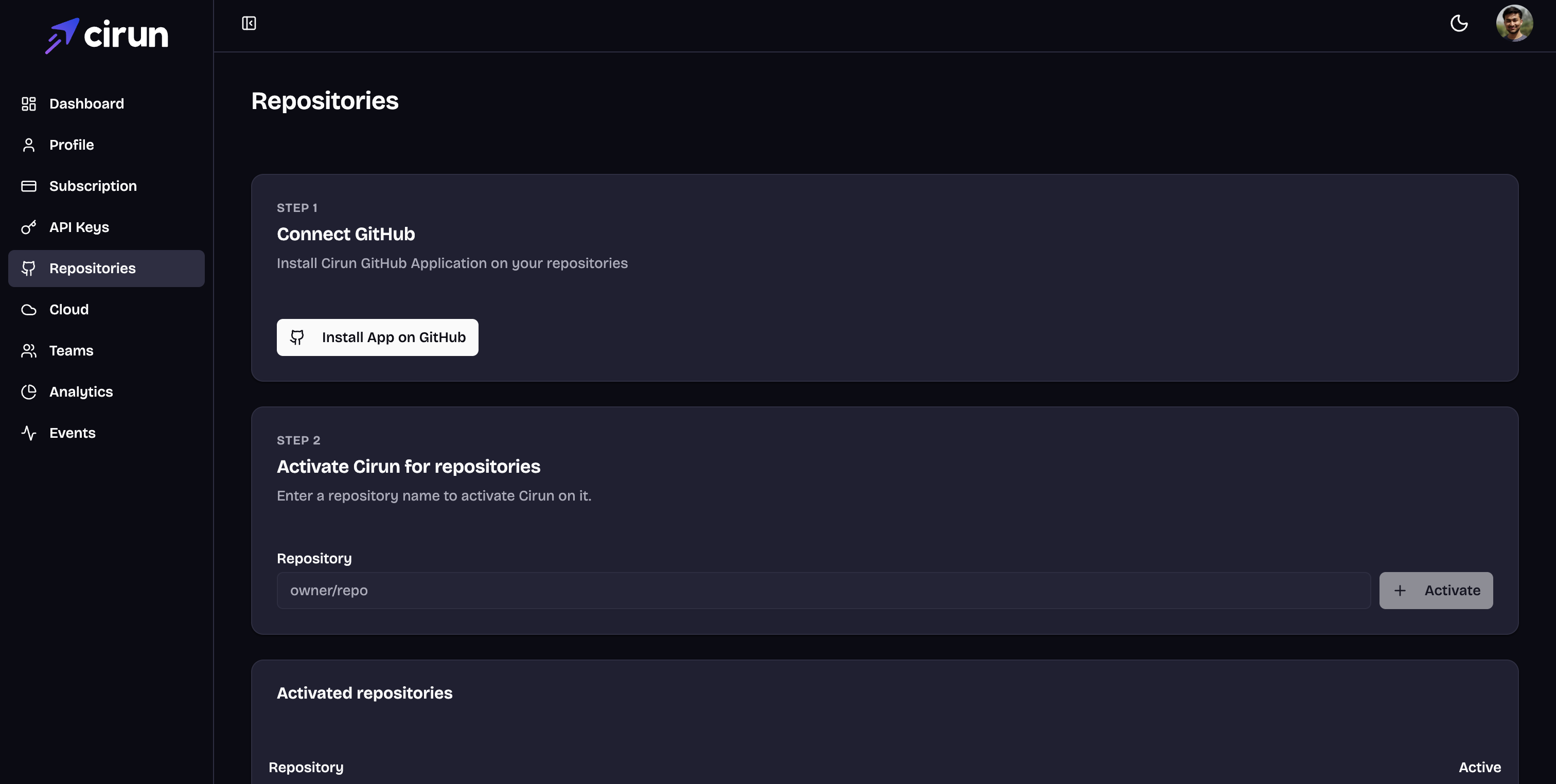
Click on Repositories Section on the left.
-
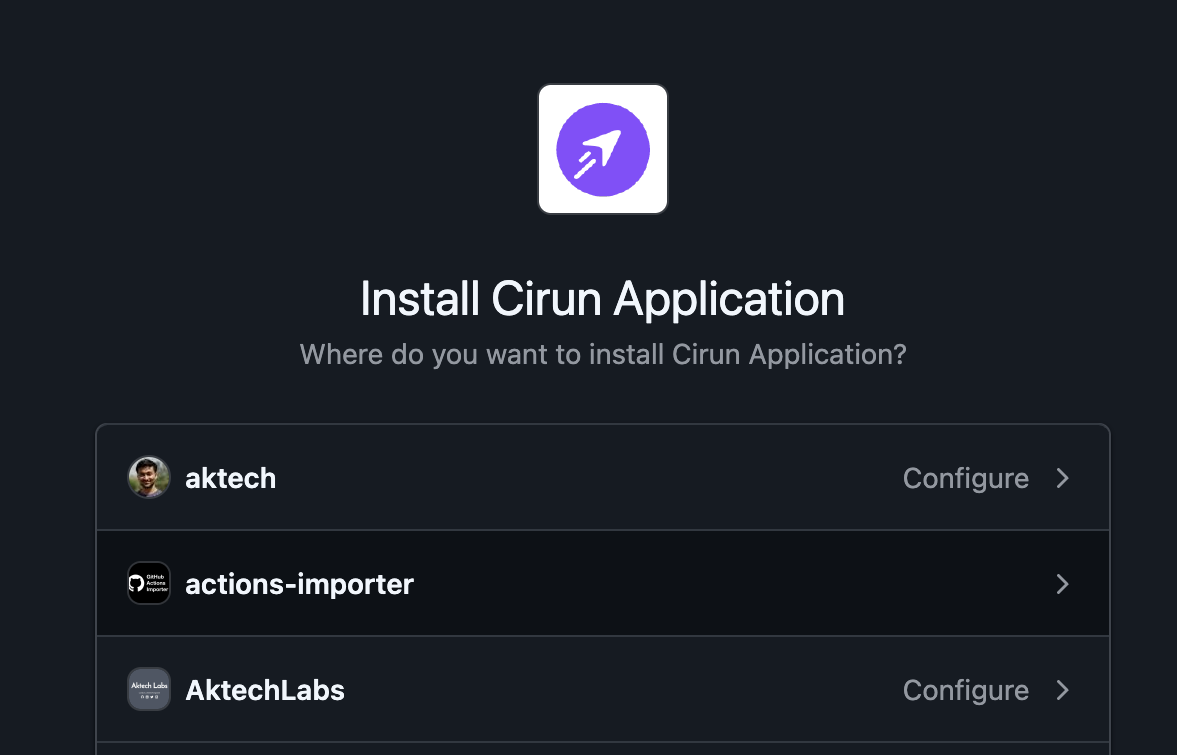
Connect Cirun to GitHub to install the GitHub Application on the repositories you'd like to use Cirun on.
-
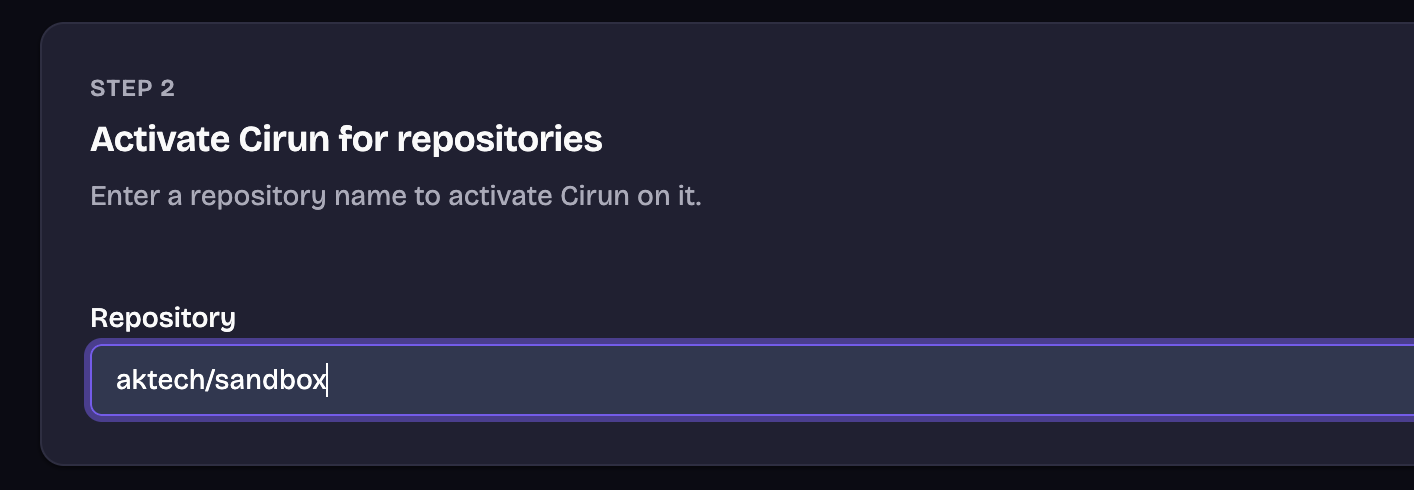
Activate Cirun for the repositories where you would like to run Cirun by adding the repository name and clicking on Activate.

-
Click on the Cloud section on the left and add credentials for the cloud you want to run GitHub Action runners on.
-
Create a
.cirun.yml(please note it's.cirun.ymlNOTcirun.yml) in the repository, see Reference docs. -
Change the
runs-on:param in your GitHub Actions workflow file to:runs-on: "cirun-label-defined-in-your-.cirun.yml-file--${{ github.run_id }}" -
Now push anything to the repository, your actions should be running on your Cloud.